



Google Play Instant Apps: Do They Lift Conversion Rates in 2026
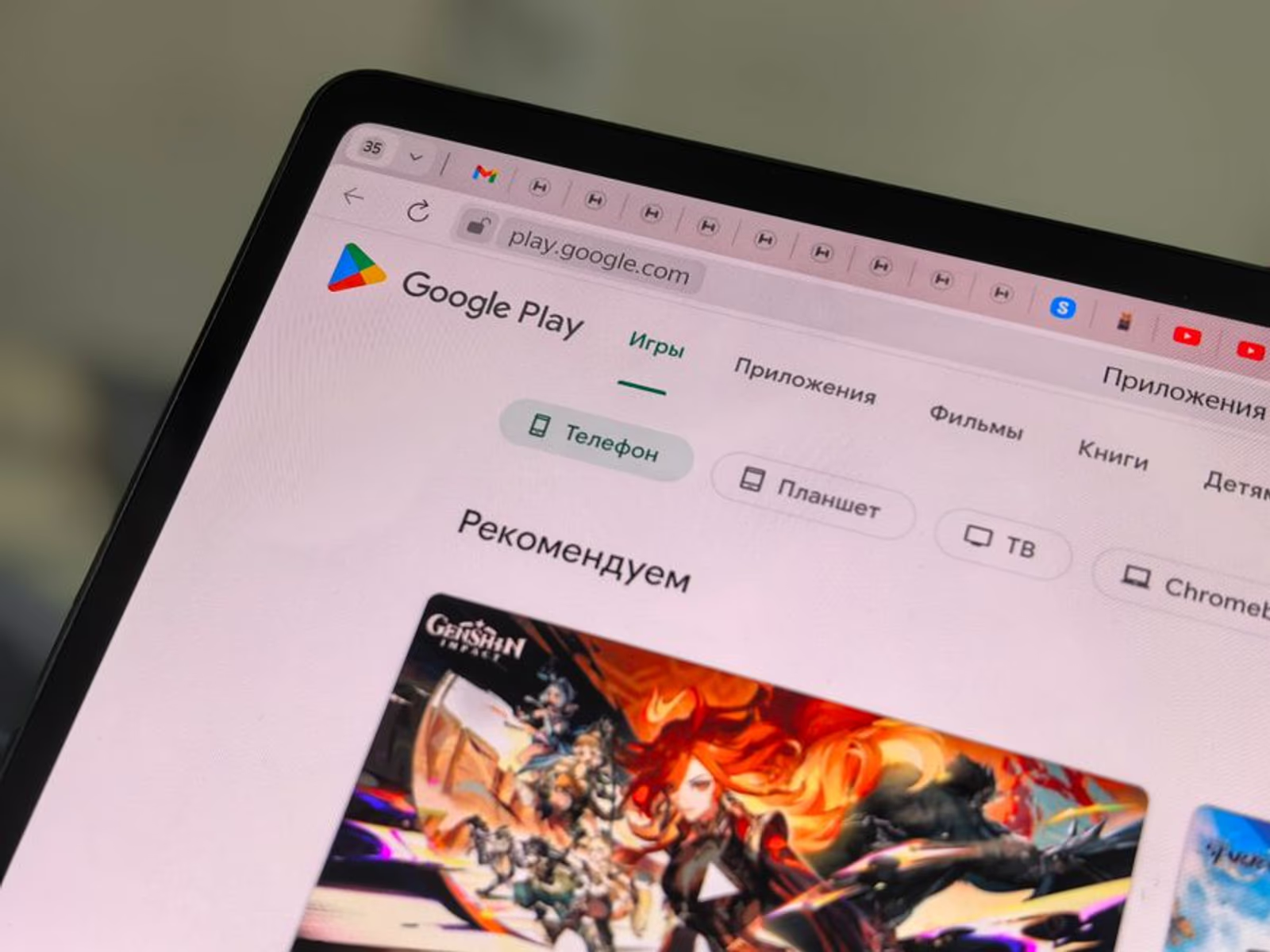
What Google Play Instant Actually Does
Google Play Instant lets a user tap "Try Now" on your Play Store listing and run a lightweight version of your app without installing it first. No APK download prompt, no permissions dialog, no commitment. The instant experience loads from a URL, runs natively on Android, and can hand off to a full install at any point.
The mechanism matters for understanding why it can lift app store conversion optimization numbers. The traditional install funnel has a dead zone: a user sees your listing, feels uncertain, and bounces. Instant apps collapse that gap. They let the user form an actual opinion about your product before making the install decision, which in theory should filter in higher-intent installs and push overall CVR up.
In theory. The reality is more conditional than Google's developer documentation implies.
The Conversion Rate Case — Where the Data Points
Google has published aggregate data showing that apps with Instant experiences outperform equivalents without them on conversion rate. Independent developers have reported similar directional results, though the magnitude varies widely by category. The honest framing: you will not see a uniform lift across all app types, and some categories see negligible movement.
The categories where Instant consistently moves the needle:
- Games — this is the strongest use case by far. A 60-second gameplay demo removes the single biggest objection a casual gamer has ("I don't know if I'll like it"). Puzzle, casual, and hyper-casual games are the clearest winners.
- Utility apps with a core interaction — a photo editor, a QR scanner, a PDF tool. If the value proposition can be demonstrated in one interaction, Instant works.
- Retail and commerce — letting a user browse, search, or even add to cart before installing creates a high-intent handoff to the full app.
The categories where Instant is a harder sell:
- Social and community apps — the value is the network, and a thin Instant build can't show that.
- Healthcare and finance — regulatory requirements and auth flows make it structurally hard to build a compliant Instant slice.
- Complex B2B tools — onboarding is too entangled with the core experience to strip out.
Engineering Cost vs. Conversion Payoff
This is the question most ASO articles dodge: what does it actually cost to ship a Google Play Instant experience?
A few concrete constraints Google imposes:
- The Instant APK must be under 15 MB (down from an earlier 4 MB limit, though the practical target for smooth loading is closer to 10 MB).
- You cannot use certain APIs — background processes, most hardware sensors, Bluetooth LE in some configurations.
- The Instant module has to be maintained as a separate build target, which adds surface area to your CI/CD pipeline.
- If your app uses a third-party SDK that hasn't been audited for Instant compatibility, you may need to swap it out or exclude it from the Instant build.
For a greenfield app built with modular architecture from day one, adding an Instant experience is approximately 2–4 weeks of engineering work, depending on how complex the "demo slice" needs to be. For an existing app that was built as a monolith — which describes the majority of apps in production — refactoring to meet the size and API constraints can run significantly longer and touch areas of the codebase you'd rather not disturb.
In our engagements, we treat the Instant feasibility question as an architectural decision, not an afterthought. If a client comes to us mid-project asking to bolt on an Instant experience, the answer is sometimes "yes, but it will cost more than you expect and delay launch."
| App Type | Instant Feasibility | Estimated Engineering Lift | CVR Impact Likelihood |
|---|---|---|---|
| Casual / Hyper-casual Game | High | Low–Medium | High |
| Utility (single core action) | High | Low | Medium–High |
| Retail / Commerce | Medium | Medium | Medium |
| Social / Community | Low | High | Low |
| Healthcare / Finance | Low (compliance risk) | Very High | Low |
| Complex B2B SaaS | Low | High | Low |
What the Try Now Button Does to Your Listing's ASO Signals
Here's a dimension that rarely gets discussed: the "Try Now" button changes user behavior on your listing page in ways that affect your broader app store conversion optimization profile.
When a user taps "Try Now" instead of "Install," Play Store records that interaction differently from an install event. Users who try and then install tend to have lower early uninstall rates — they already know what they're getting. Lower uninstall rates are a positive signal in Google Play's ranking algorithm.
Conversely, if your Instant experience is underwhelming — buggy, slow to load, or missing the feature the user came to try — you can generate bounce behavior that signals negatively. A bad Instant experience may be worse than no Instant experience, because it replaces uncertainty with confirmed disappointment.
This connects to a broader principle we apply across all ASO work: every element of your listing that generates engagement data is also generating ranking signal. Your screenshots, your preview video, your Instant experience — they all feed the algorithm. See our post on deep linking and strategic marketing for a related discussion on how pre-install touchpoints shape post-install behavior.
Working on your Google Play listing's conversion rate? Our mobile app marketing team handles full ASO audits, listing optimization, and Instant app feasibility assessments.
How to Build an Instant Experience That Actually Converts
If you've determined Instant is worth pursuing for your app, the quality of implementation determines whether you see a lift or not. A few principles that matter:
Show the core value in under 30 seconds. Users who tap "Try Now" have short patience. Your Instant experience should reach the moment of value — the first level cleared, the photo edited, the search result returned — in under half a minute. If onboarding takes longer than that, cut it.
Make the install prompt contextual, not intrusive. The most effective Instant-to-install conversion happens when the prompt appears at a natural moment of success or desire — after the user completes an action and wants to do more, not as a pop-up that interrupts the experience. Native Android Instant App APIs give you control over when to surface the install prompt; use it deliberately.
Test the Instant experience as rigorously as the full app. Crashes in an Instant session are more damaging than crashes in the installed app because they happen at the exact moment you're trying to build trust. QA the Instant module on a representative set of devices before pushing it live.
Match your listing assets to the Instant experience. If your screenshots and preview video show a feature that isn't in the Instant module, users will feel misled. Consistency between your listing's visual story and the Instant demo reduces friction and improves the handoff rate.
Measuring Whether Instant Is Working
Measurement is where a lot of teams drop the ball. If you're not tracking the right metrics, you can't tell whether Instant is lifting CVR or just adding complexity.
The metrics to watch:
- Instant session start rate — of users who see the "Try Now" button, how many tap it? A low rate often signals a listing problem, not an Instant problem.
- Instant-to-install conversion rate — of users who start an Instant session, how many install the full app? This is the number you're optimizing.
- Post-install D1/D7 retention for Instant-acquired users — compare this cohort to users who installed directly. Instant-acquired users should retain better if the experience is working correctly.
- Instant session length — are users engaging with the experience or dropping immediately? Short sessions combined with low install rates indicate the Instant build is failing to demonstrate value.
Google Play Console surfaces some of this data under Store Performance, but you'll want to connect your mobile measurement partner (Adjust, AppsFlyer, or similar) to get full cohort-level attribution. For broader context on what ASO metrics are worth tracking and presenting, the framework in 5 Metrics You Can Use to Persuade Your Clients SEO Tactics Really Work applies directly to App Store reporting as well.
FAQ
Does Google Play Instant work for iOS apps?
No. Google Play Instant is an Android-only feature, built on Google's Instant Apps framework. Apple does not have a direct equivalent on the App Store. iOS's closest analog is App Clips, which are functionally similar but live in a different discovery context (NFC tags, QR codes, Maps, Safari banners) and have their own size and API constraints.
Will adding an Instant experience hurt my app's ranking if users don't convert?
Not directly. Play Store's algorithm doesn't penalize you for low Instant-to-install rates in isolation. What can hurt rankings is elevated uninstall rates or low engagement from users who do install — which is why a misleading or broken Instant experience is a real risk, not a hypothetical one.
What's the minimum viable Instant experience?
Functionally, the minimum is a single screen or interaction that demonstrates your app's core value, under the 15 MB APK cap. Strategically, the minimum is whatever it takes for a first-time user to answer "yes, I want this" within 30–60 seconds. Those two constraints don't always produce the same answer.
Can I use React Native or Flutter for a Google Play Instant app?
With difficulty. Flutter and React Native both ship with runtime frameworks that add significant size to the APK, making the 15 MB cap very hard to hit without aggressive optimization. Native Kotlin is significantly easier to work within the size constraint. If Instant is a priority from the start, it influences stack selection — another reason the architecture decision should happen before you write the first line of code.
Does Google promote Instant apps differently in search or browse?
Google has indicated that Instant eligibility is a positive signal in Play Store ranking, but the magnitude is not published. In practice, the conversion rate lift from the Instant experience itself is likely a larger driver of organic ranking improvement (through better CVR signals) than any direct algorithmic boost.
How long does it take to get a Play Instant app reviewed and approved?
Google reviews Instant apps as part of the standard Play Store review process. Approval typically takes the same 1–3 days as a standard app review, though a first-time Instant submission may take longer. Factor this into your launch timeline.
If you're weighing whether a Google Play Instant experience is worth the engineering investment for your specific app, that's exactly the kind of question we work through during a mobile strategy engagement. Book a 30-minute call at calendly.com/marcocl/30min-1 or explore how our mobile app marketing team approaches full-funnel ASO — from listing assets through post-install retention.





